


최신글
위젯 기본화면 위젯 디폴트화면의 경우 영카트링크를 걸어놓았으나 사이트 성격에 맞게 아이콘 링크를 수정하시면 됩니다. widget.php : 22 ~ 24Line 사용방법...
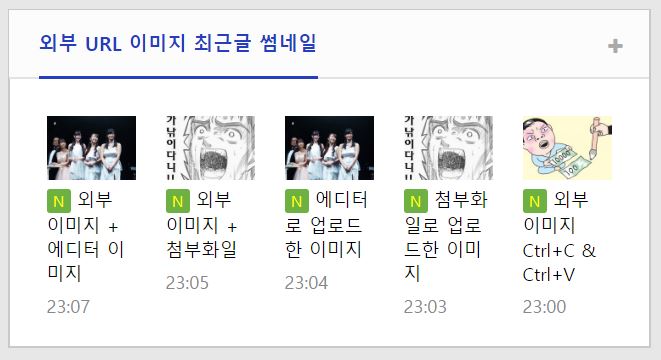

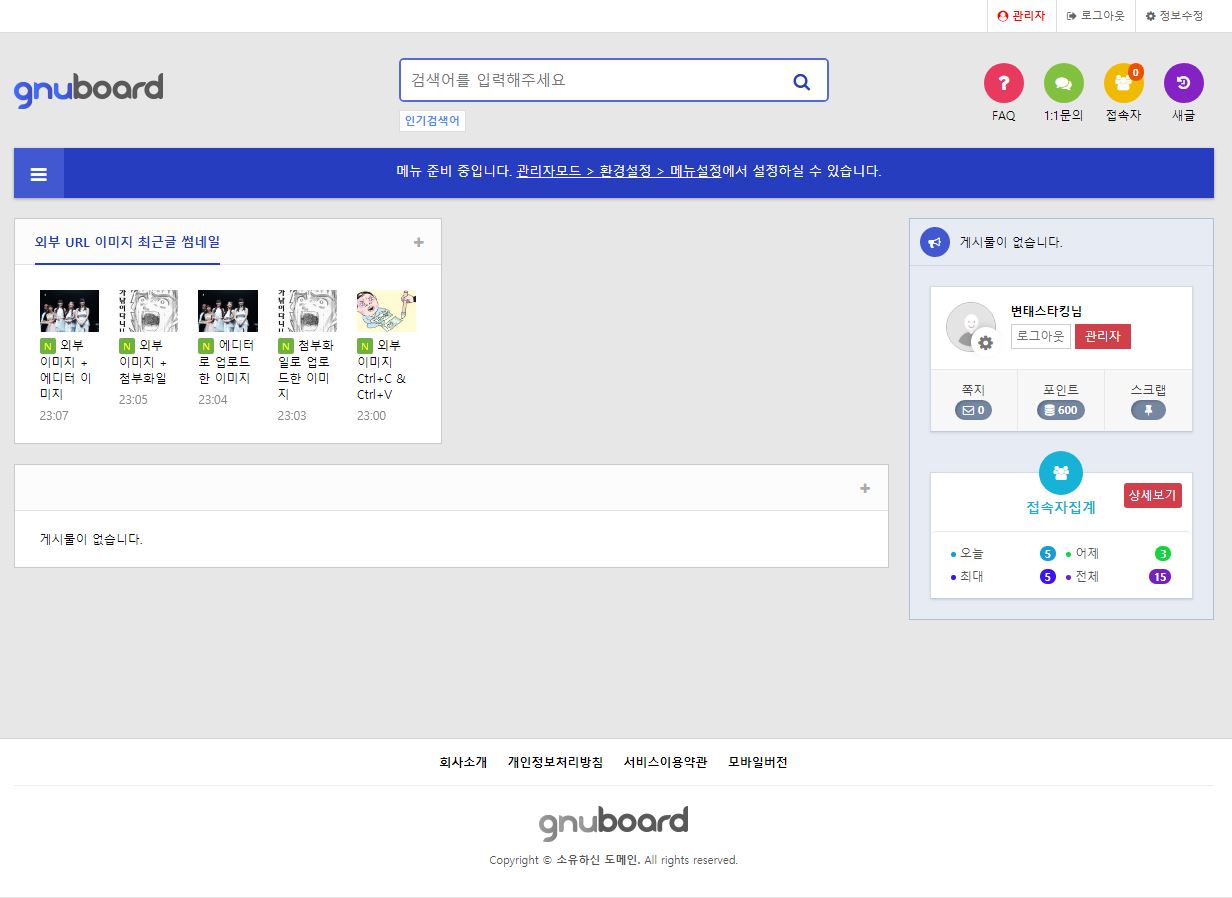
외부 URL 이미지를 굳이 서버로 복사해 와서 썸네일로 만들어 최신글에 보여주는 스킨입니다.
그누보드5 기본 pic_basic 스킨에서 썸네일 부분만 일부 수정했습니다.
첨부파일로 업로드한 이미지, 본문에 업로드 해서 넣은 이미지가 없는 경우 본문 작성시 다른 사이트의 이미지를 복사해서 붙여넣은 경우 리스트 페이지에서 해당 이미지를 서버로 복사해 오고 그 복사한 이미지를 썸네일로 만듭니다.
그누보드의 썸네일 함수를 이용했습니다.
pic_latest 스킨의 원래 코드
[code]
<?php
for ($i=0; $i<count($list); $i++) {
$thumb = get_list_thumbnail($bo_table, $list[$i]['wr_id'], $thumb_width, $thumb_height, false, true);
if($thumb['src']) {
$img = $thumb['src'];
} else {
$img = G5_IMG_URL.'/no_img.png';
$thumb['alt'] = '이미지가 없습니다.';
}
$img_content = '<img src="'.$img.'" alt="'.$thumb['alt'].'" >';
?>
[/code]
변태스타킹®이 만지작 거려서 커진 부분
[code]
<?php
for ($i=0; $i<count($list); $i++) {
$thumb = get_list_thumbnail($bo_table, $list[$i]['wr_id'], $thumb_width, $thumb_height, false, true);
if($thumb['src']) {
$img = $thumb['src'];
// 외부 이미지 썸네일 만들기 {
} else if($url_img = get_editor_image($list[$i]['wr_content'])) {
$img_src = $url_img[1][0];
preg_match("/src=[\'\"]?([^>\'\"]+[^>\'\"]+)/i", $img_src, $m);
$src = htmlspecialchars_decode($m[1]);
preg_match("/alt=[\"\']?([^\"\']*)[\"\']?/", $img_src, $m);
$alt = get_text($m[1]);
$filename = hash("sha256", $src);
$source_path = $target_path = G5_DATA_PATH.'/file/'.$bo_table;
$file_download = $target_path."/".$filename;
if (!file_exists($file_download)) {
copy($src, $file_download);
}
$thumb_src = thumbnail($filename, $source_path, $target_path, $thumb_width, $thumb_height, false, true);
$img = G5_DATA_URL.'/file/'.$bo_table.'/'.$thumb_src;
$thumb['alt'] = $alt;
// } 외부 이미지 썸네일 만들기
} else {
$img = G5_IMG_URL.'/no_img.png';
$thumb['alt'] = '이미지가 없습니다.';
}
$img_content = '<img src="'.$img.'" alt="'.$thumb['alt'].'" >';
?>
[/code]
좋은 댓글과 좋아요는 제작자에게 큰힘이 됩니다.
위젯 기본화면 위젯 디폴트화면의 경우 영카트링크를 걸어놓았으나 사이트 성격에 맞게 아이콘 링크를 수정하시면 됩니다. widget.php : 22 ~ 24Line 사용방법...

전스킨과 다르게 리스트에서 터치시 이미지 액션 추가하고 제목과 내용은 뺏습니다 본 스킨도 역시 게시판 설정에서 이미지 폭이랑 높이는 800 600으로 설정하세요. ...

반응형 갤러치 팝업 슬라이더 바로스킨에 넣어 선택하여사용하시면됩니다. 게리판설정에서 이미지 폭이랑 높이는 800 600 으로 설정하세요 . 추후 모든 스킨은 20포인트로 설정하겠...

외부 URL 이미지를 굳이 서버로 복사해 와서 썸네일로 만들어 최신글에 보여주는 스킨입니다. 그누보드5 기본 pic_basic 스킨에서 썸네일 부분만 일부 수정했습니다. 첨부파...

https://sir.kr/g5_skin/28451 최신글 스킨과 동일한 효과의 CSS3 이미지 전환효과 갤러리 스킨입니다.

https://sir.kr/g5_skin/28443 최신글 스킨과 동일한 효과의 CSS3 이미지 전환효과 갤러리 스킨입니다. ...

https://sir.kr/g5_skin/28442 최신글 스킨과 동일한 효과의 CSS3 이미지 전환효과 갤러리 스킨입니다. ...

https://sir.kr/g5_skin/28441 최신글 스킨과 동일한 효과의 CSS3 이미지 전환효과 갤러리 스킨입니다. ...

https://sir.kr/g5_skin/28440 최신글 스킨과 동일한 효과의 CSS3 이미지 전환효과 갤러리 스킨입니다. ...

https://sir.kr/g5_skin/28439 최신글 스킨과 동일한 효과의 CSS3 이미지 전환효과 갤러리 스킨입니다. ...

외부 URL 이미지를 굳이 서버로 복사해 와서 썸네일로 만들어 리스트에 보여주는 스킨입니다. 그누보드5 기본 gallery 스킨에서 썸네일 부분만 일부 수정했습니다. 첨부파일로...

1탄에 이어 2탄 무료로 배포합니다. 디자인은 마음대로수정하여 사용하세요 파업창에서 첨부파일 하여 사요하시면 위왁같은 효과를 보실수있습니다 . 1탄에서 문제점 최대한 수정...
댓글 9개
여기에 유튜브 주소 입력하면 유튜브 이미지까지 썸네일로 나오면 금상첨화 겠네요
https://sir.kr/g5_skin/11660
[http://sir.kr/data/editor/1904/d947dfea85de3f94f7a07452c4235913_1554165190_0565.PNG]
전에 올려주신 소스는 최근 시킨 동영상 올리는 방법하고는 좀 다르더라고요
제가 사용하는 최근글 이미지와 동영상 추출 소스거든요.
에디터만 나오게 하면 좋은데.. 소스 적용이 어렵네요.
<div id="oneshot">
<ul>
<?php for ($i=0; $i<count($list); $i++) { ?>
<li>
<div class="img_set">
<a href="<?php echo $list[$i]['href'] ?>">
<?php
$thumb = get_list_thumbnail($bo_table, $list[$i]['wr_id'], $imgwidth, $imgheight);
if($thumb['src']) {
$img_content = '<img class="img_left" src="'.$thumb['src'].'" alt="'.$list[$i]['subject'].'" width="'.$imgwidth.'" height="'.$imgheight.'">';
} else {
$youtube_key = substr($list[$i]['wr_10'],-11,11);
$img_content = '<img src="https://img.youtube.com/vi/'.$youtube_key.'/mqdefault.jpg" alt="'.$thumb['alt'].'" width="'.$imgwidth.'" height="'.$imgheight.'">';
}
echo $img_content;
?>
</a>
</div>
<div class="subject_set">
<div class="sub_title"><a href="<?php echo $list[$i]['href'] ?>"><?php echo cut_str($list[$i]['subject'], 20, "..") ?></a>
<?php
if ($list[$i]['comment_cnt'])
echo "<span style='color:#cb011b;font-size:9pt'> +".$list[$i]['comment_cnt'];
if (isset($list[$i]['icon_new'])) echo " " . $list[$i]['icon_new'];
// if (isset($list[$i]['icon_hot'])) echo " " . $list[$i]['icon_hot'];
//if (isset($list[$i]['icon_file'])) echo " " . $list[$i]['icon_file'];
//if (isset($list[$i]['icon_link'])) echo " " . $list[$i]['icon_link'];
if (isset($list[$i]['icon_secret'])) echo " " . $list[$i]['icon_secret'];
?>
</div>
</div>
</li>
<?php } ?>
</ul>
</div>
참고로 방법을 알려드리면 게시판 스킨에 write_update.head.skin.php라는 파일을 만들어서 PHP Simple HTML DOM Parser를 이용해 만들면 됩니다.
참고 링크 : http://simplehtmldom.sourceforge.net/
게시판 글쓰기는 작성 완료 후 bbs 폴더에 있는 write_update.php라는 파일이 처리하게 되어 있습니다. 이 파일은 스킨 폴더에 write_update.head.skin.php라는 파일이 있으면 이 파일의 내용을 미리 처리합니다.
글을 올릴 때 이런 식으로 중간에 서 쓱싹 작업을 해서 본 작업에 넘겨주는 것입니다.
암튼 당장은 아니고 조만간 올려드리겠습니다.