


 데이터피커 관련 질문입니다 데이터피커 초점이 탭으로만 이동해야 되서 만들었는데 전년도를 선택하고나서 날짜로 초점이 가야하는데 나가집니다 어떤 문제일까요?
답변 2개 / 댓글 5개
채택된 답변
+20 포인트
다음 코드가 도움이 될지 모르겠습니다.
Copy
$(function () {

    $('.datepicker').datepicker({

        ...

        minDate: '-20Y',
        yearRange: '-20:+0',

        beforeShow: function (el, obj) {
            setTimeout(function () {
                obj.dpDiv.find('.ui-datepicker-month').focus();
            }, 1);
        }
    });

    // dayTripper();
});
답변에 대한 댓글 3개

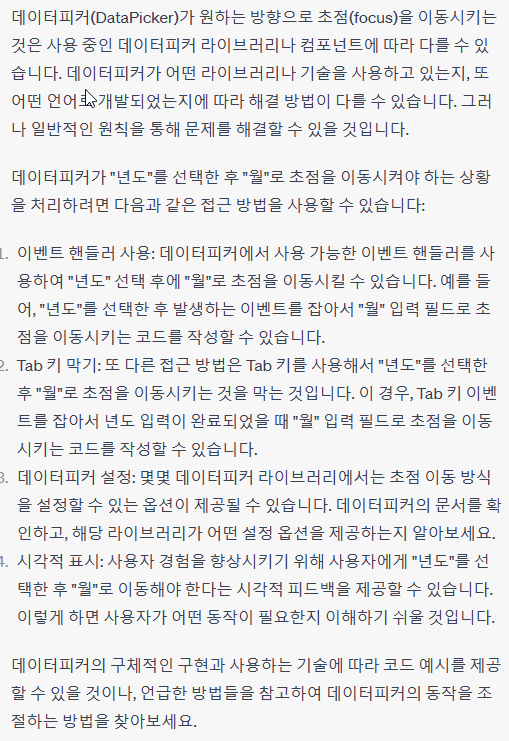
답변에 대한 댓글 2개
[code]
<!DOCTYPE html>
<html>
<head>
<!-- 여기에 데이터피커 관련 스크립트 및 스타일 시트를 추가하세요. -->
</head>
<body>
<label for="yearInput">년도:</label>
<input type="text" id="yearInput">
<label for="monthInput">월:</label>
<input type="text" id="monthInput">
<script>
// 데이터피커 관련 스크립트를 초기화 및 설정하는 코드
// 이 코드는 데이터피커 라이브러리에 따라 다를 수 있습니다.
// "년도" 입력 필드
const yearInput = document.getElementById("yearInput");
// "월" 입력 필드
const monthInput = document.getElementById("monthInput");
// "년도" 입력 필드의 이벤트 핸들러
yearInput.addEventListener("change", function () {
// "년도" 입력 필드가 변경되면 "월" 입력 필드로 초점 이동
monthInput.focus();
});
</script>
</body>
</html>
[/code]
<!DOCTYPE html>
<html>
<head>
<!-- 여기에 데이터피커 관련 스크립트 및 스타일 시트를 추가하세요. -->
</head>
<body>
<label for="yearInput">년도:</label>
<input type="text" id="yearInput">
<label for="monthInput">월:</label>
<input type="text" id="monthInput">
<script>
// 데이터피커 관련 스크립트를 초기화 및 설정하는 코드
// 이 코드는 데이터피커 라이브러리에 따라 다를 수 있습니다.
// "년도" 입력 필드
const yearInput = document.getElementById("yearInput");
// "월" 입력 필드
const monthInput = document.getElementById("monthInput");
// "년도" 입력 필드의 이벤트 핸들러
yearInput.addEventListener("change", function () {
// "년도" 입력 필드가 변경되면 "월" 입력 필드로 초점 이동
monthInput.focus();
});
</script>
</body>
</html>
[/code]
답변을 작성하려면 로그인이 필요합니다.