


답변 3개
채택된 답변
+20 포인트
css
/*찾아오시는 길*/
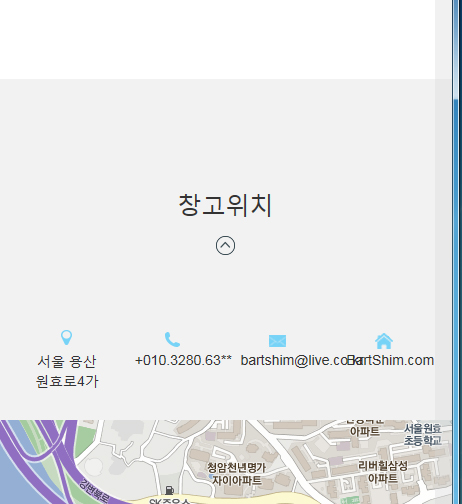
#location{padding-top:90px;background:#f2f2f2}
.location_info{padding:70px 0;}
.location_info:after{display:block;clear:both;content:"";}
.location_info ul li{text-align:center !important;height:20px;margin:30px 0}
.location_info ul li:first-child{background: url("../img/location_iofo.png") center -3px no-repeat;}
.location_info ul li:nth-child(2){background: url("../img/location_iofo.png") center -22px no-repeat}
.location_info ul li:nth-child(3){background: url("../img/location_iofo.png") center -40px no-repeat;}
.location_info ul li:last-child{background: url("../img/location_iofo.png") center -60px no-repeat;}
#map{width:100%; height:800px; background: pink}
#map iframe{width:100% !important; height:600px; }
html

위와 같이 수정해보세요.
로그인에 생기는 선은 부트스트랩 css에서 legend에 적용된 선인 것 같습니다.
바꾸고자 하시면 bootstrap.min.css에서 해당 코드를 지우거나 default.css에서 !inportant로 css를 수정해주시면 될 것 같습니다.
답변을 작성하려면 로그인이 필요합니다.