

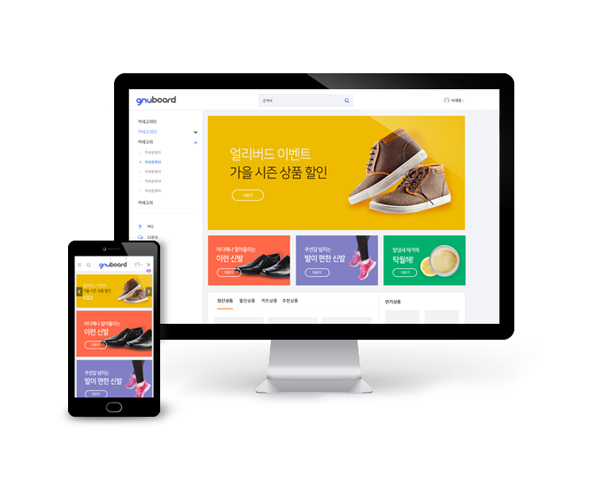
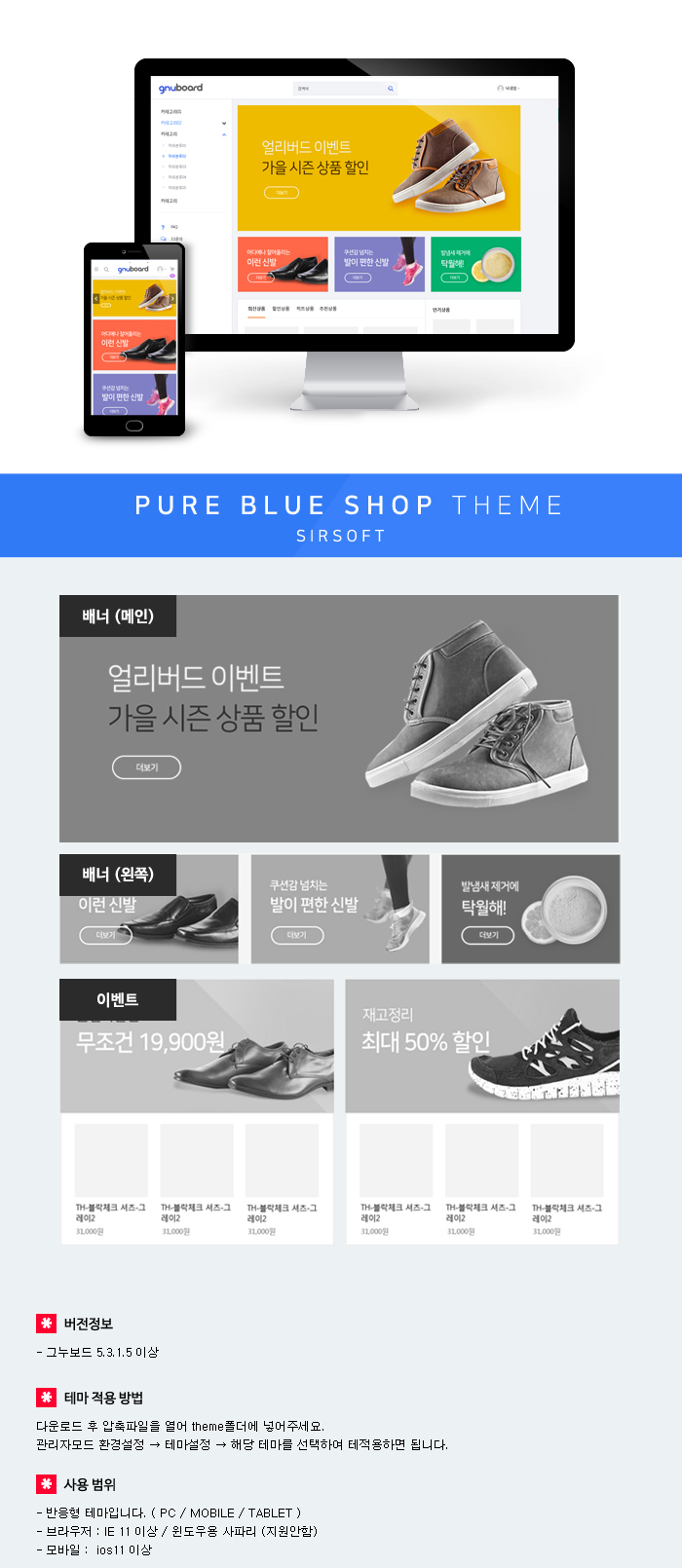

테마적용 : http://sir.kr/faq/57
좋은 댓글과 좋아요는 제작자에게 큰힘이 됩니다.
테마적용 : http://sir.kr/faq/57


테마적용 : http://sir.kr/faq/57

테마적용 : http://sir.kr/faq/57


클릭으로 만드는 홈페이지 테마 cmake basic버젼을 올립니다. 풀버젼 39.000원 https://sir.kr/cmall/1548708448 일반 홈페이지로도 사용하실...


* 커뮤니티만 있는 테마 : https://sir.kr/g5_theme/2943

* 커뮤니티만 있는 테마 : https://sir.kr/g5_theme/2870 - 테마미리보기 : http://theme.sir.kr/gnuboard53...


영카트 5.3 버전 테마입니다. https://sir.kr/yc5_pds/2065 ( 5.3 이전 버전에서는 작동하지 않을 수 있습니다. )...

댓글 16개
아리아나벤티님의 최근테마 2개를 쇼핑몰만 사용하기위하여, define('G5_COMMUNITY_USE', false); 하고 커뮤니티를 안뜨게 해볼려고하는데, 커뮤니티 메인이 뜹니다.
다른 설정해야할것이 있나요?
theme/pureblue/index.php 가보아도 쇼핑몰을 가르키고 있는것 같은데요..
if(G5_COMMUNITY_USE === false) {
include_once(G5_THEME_SHOP_PATH.'/index.php');
return;
}
http://gnustudy.com/bbs/board.php?bo_table=yc_tip&wr_id=5
이부분을 보고 해결하였습니다.
false 하나만 해도 적용되도록 수정은 되나요?^^
[code]
if (!defined('_GNUBOARD_')) exit; // 개별 페이지 접근 불가
// 추가
if(G5_COMMUNITY_USE === false) {
include_once(G5_THEME_SHOP_PATH.'/shop.head.php');
return;
}
// 추가
[/code]
/theme/pureblue/index.php
[code]
if (!defined('_GNUBOARD_')) exit; // 개별 페이지 접근 불가
define('_INDEX_', true);
// 추가
if(G5_COMMUNITY_USE === false) {
include_once(G5_THEME_MSHOP_PATH.'/index.php');
return;
}
// 추가
[/code]
/theme/pureblue/tail.php
[code]
if (!defined('_GNUBOARD_')) exit; // 개별 페이지 접근 불가
// 추가
if(G5_COMMUNITY_USE === false) {
include_once(G5_THEME_SHOP_PATH.'/shop.tail.php');
return;
}
// 추가
[/code]
위처럼 수정해주시면 true false 만으로 변경이 가능합니다.
메인 '추천상품/최신상품' 좌우롤링 코너를
'추천상품'만 좌우롤링되게 사용하고 싶습니다.
소스를 봐도 잘 안되더라구요ㅠㅠ
1줄당 2개씩, 4줄씩 출력하고
다음페이지에 그 다음 상품들이 총 8개 롤링되게 하려면 어떻게 해야하나요?
도와주시기 바랍니다^^
/theme/pureblue/mobile/skin/shop/basic/list.10.skin.php 파일에서
51번줄에
if ($i == 0) {
if ($this->css) {
echo "<ul id=\"lct_wrap\" class=\"{$this->css}\">\n";
} else {
echo "<ul id=\"lct_wrap\" class=\"lct ".$ul_lct_class."\">\n";
}
}
이부분을
if ($i == 0) {
if ($this->css) {
echo "<ul id=\"sct_wrap\" class=\"{$this->css}\">\n";
} else {
echo "<ul id=\"sct_wrap\" class=\"lct ".$ul_lct_class."\">\n";
}
}
이렇게 변경하시면되요 :)
혹시 이부분 아시는분 있으실까요?
등록했더니 세로로 정렬되네요 ㅠㅠ